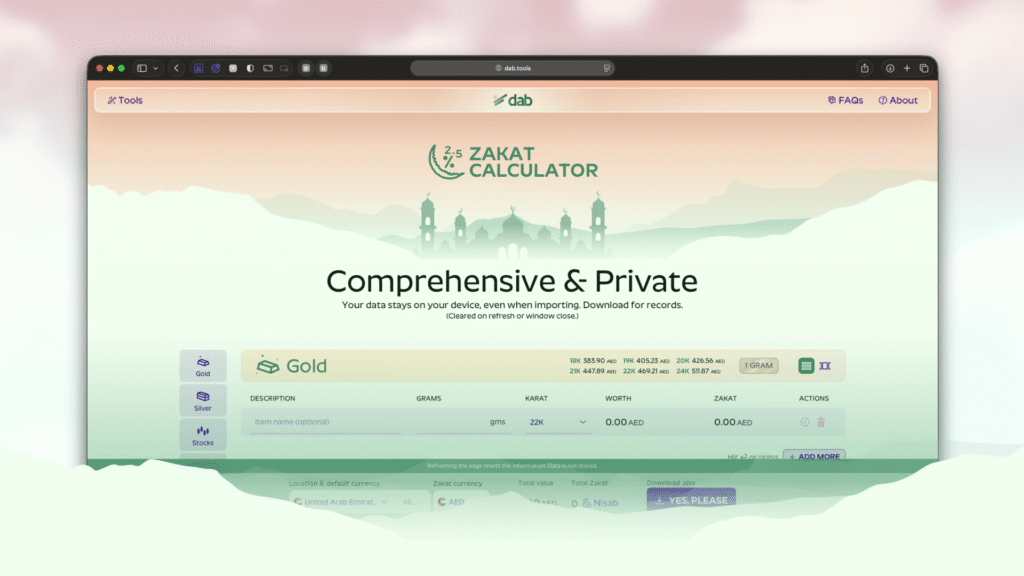
I live in the UAE with my wife and daughters, however my mom and sister live back in Pakistan, every month I send money for household expenses that is split between me and my sister. The amount I send out also has a partial payment towards my Zakat.
The Zakat I do give out is calculated based on assets me and my wife own in the UAE, however the Zakat is dispersed back in Pakistan which I think is where it’s needed most or because I’ve seen poverty there which could use a helping hand. Again the dispersement part of the Zakat is taken care of my sister (who by the way is a kick ass copy/content writer & SEO expert ▶️ See here – Her Linktree)
Now I’ve been doing this but manually for years, managing a spreadsheet and updating it once a year, often visiting the jeweller’s shop every Ramadan. This is before I put together the spreadsheet where I got the rates online on the weighed assets then using formulas to calculate the amounts.
Introducing Zakat calculator at dab.tools
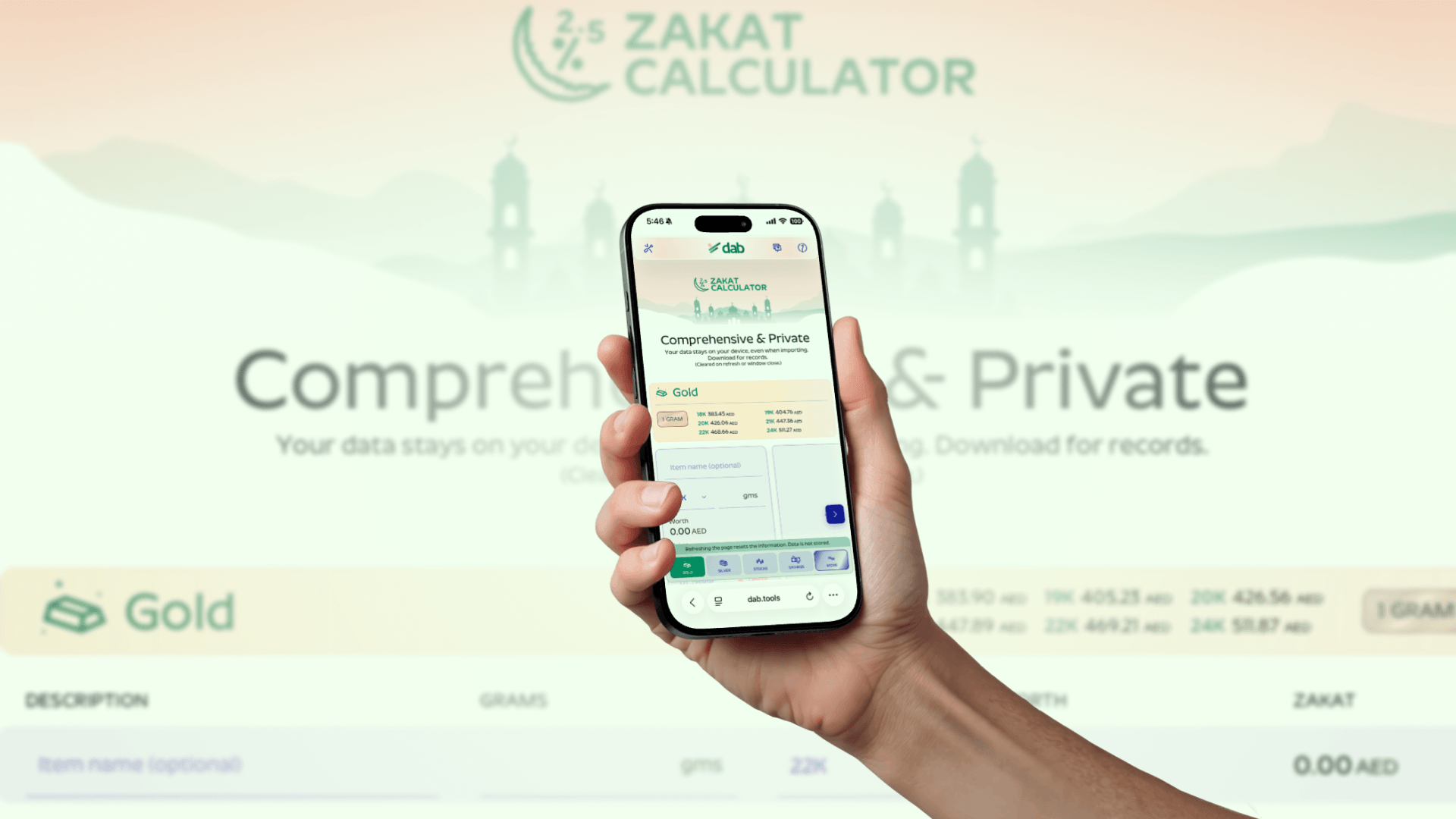
I wanted to simplify this process of calculating zakat, so instead of me spending time to find out how much I have to pay, I make that easier so my money can be more useful to people who need it. In that respect, let me introduce you to the Zakat Calculator. Let’s cover a few things on how I started on this journey.
The Separation
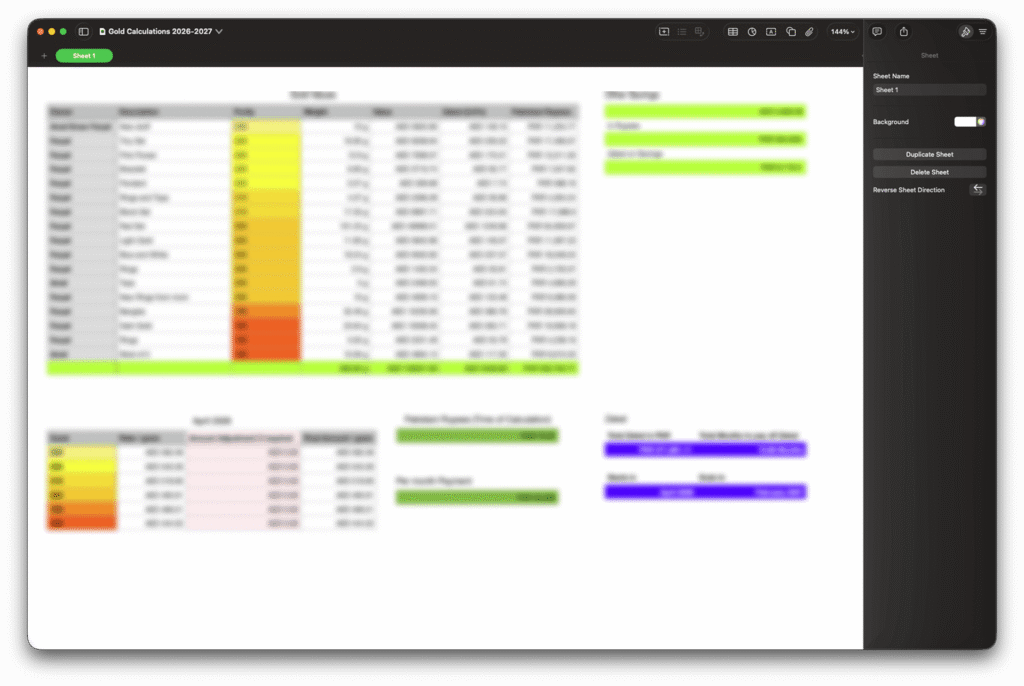
Now I have a few of things to calculate which include different purities of gold and some cash savings, here’s how I do it:
- I separate jewelry based on purities, so 24K, 22K, 20K.. etc. plus different silver purities
- I already have the weights of each one of them, unless theres an addition or removal of items, then that is taken into account. The list stay’s updated once the weighing is done to avoid a jeweller’s shop run every year.
- I will get the current value of gold per purity per gram from different online sources and apply that through the list of jewelry (some would have for 19K, some wont.. so..).
- Next I will list any savings I have and add that to the total worth of assets.
- I will calculate the Zakat amount on the total, which is 2.5% of the total.
- I will then convert this Zakat amount to Pakistani Rupees.
- Depending on the amount, I will split it on months that’s comfortable for me to pay in. It generally is split between 7-10 months.
- I add this amount on top of the house hold expenses I send every month.
- My sister then figures out who to disperse it to. At times it gets fixed for a few months to families who need it, other times it will be open ended.
Now I had a nice spreadsheet to do this every time. I will update it once a year or when jewellery is added or removed. I applied nice cute formulas everywhere, color coded everything. I am very proud of this spread sheet given I don’t usually deal with these on a daily bassi or for work.
Realization
It had occurred to me that a good number of people might have to go through the same, especially people living away from home who’d like to send money back to their home town for charity and Zakat. I did come across some Zakat calculators online, but none that provided the same workflow. Now this could be because I didn’t look too deep or maybe they don’t exist. In any case I wanted to explore this.
Living abroad and away from home comes with it’s own set of issues (while people back home might think life for non resident citizens is all a piece of cake, I can assure you, it’s not). Yes it does bring about a better lifestyle and some sense of security it however takes a lot to get there. I obviously want to make sure this especially caters to that segment of people as well.
This approach solidified when I discussed this with other expats some of which had roughly similar workflows.. some more complex. But for the general population the same approach worked.
Another important thing that I wanted to take into account is, even if it is an Islamic tool, but at it’s core it’s performing a financial calculation. That made me think I don’t want to my financial data out in the wild even accidentally.
Building
There were few principal points I started building this with
- Privacy at it’s core – no data retention, no server communication about finances.
- Preservable – some way to preserve data on the users end to avoid inconvenience.
- Avoid tracking – I made sure not to include any kind of user profile-able tracking.
- A workflow that simplifies calculation rather than makind the user jump through hoops.
Privacy
Now keeping that in mind, the app completely runs locally on your browser, once loaded your financial information stays on your computer or mobile. The currency exchange, gold & silver rates are refreshed every hour. So your calculations stay current.
Perservable
Once you’re satisfied, you can export a copy of your data as an excel file, which you can import anytime to make changes or simply to refresh rates on your assets, then export again with fresh information. I also added a reminder option so the user can choose to be reminded to perform the calculation again next year.
Tracking avoidance
For the most part, most people would atleast use Google Analytics to get information on their users. Now I do want to improve experiences for the users but not at thier privacy’s expense. I opted to use Umami which is a heavily privacy focused analytics platform, this is not just for the Zakat calculator but overall dab.tools.
Workflow
To improve on way you get the final number, it works as follows:
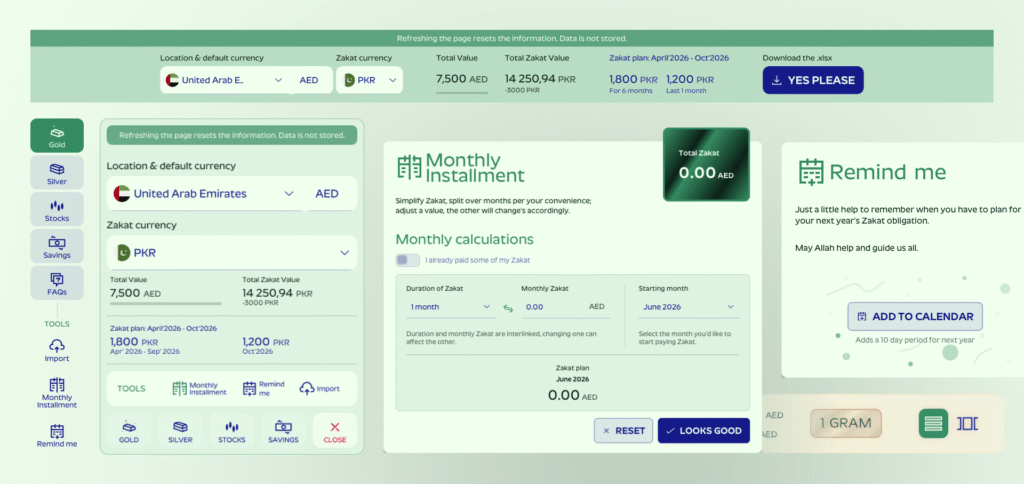
- You fill information to the best of your knowledge for gold, silver, stocks and savings (using custom currency for the last two if needed).
- Based on your location and currency the value on each item and zakat on each item is calculated.
- You can chose to use this value or use a secondary currency to pay zakat (usually valuable for expats who earn in a different currency and pay in a different location and currency)
- It gives you the final amount which you can now spread over months as well.
- Export to use next year.
Future plan
At the moment I m actively building dab.tools, there are a few other tools I want to build before I start diving into upgrades for Zakat calculator, but here are somethings I m planning:
- Add support for Zakat mechanisms for Shia Muslims
- Add a how to guide (this would be for dab.tools overall)
- Add a property section, with options of multiple countries and currency.
- Include Crypto Currencies
- Include business assets option
- Improvise on the assets addition.
Let me know via comment if you’d like to test it out and I’ll drop you an email.






OH NO!
People aren't going
gaga here
Be the First one 😉